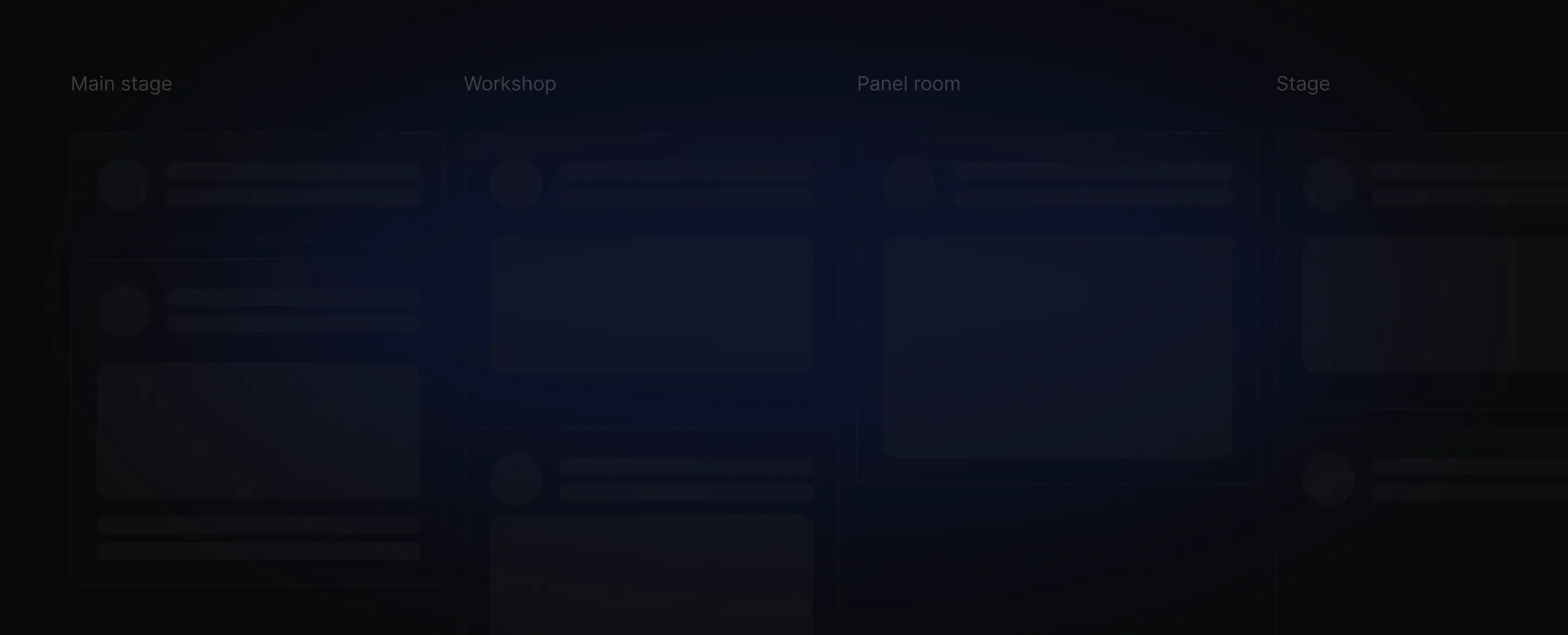
Launch your schedule in a day.
Go live with a clean schedule in hours. Works great for multi-day, multi-track events.

Pre-launch. Free updates included! Pre-launch. All future updates are free for early users!
Manage sessions, speakers, and tracks in one place. Easy to update, easy to share.
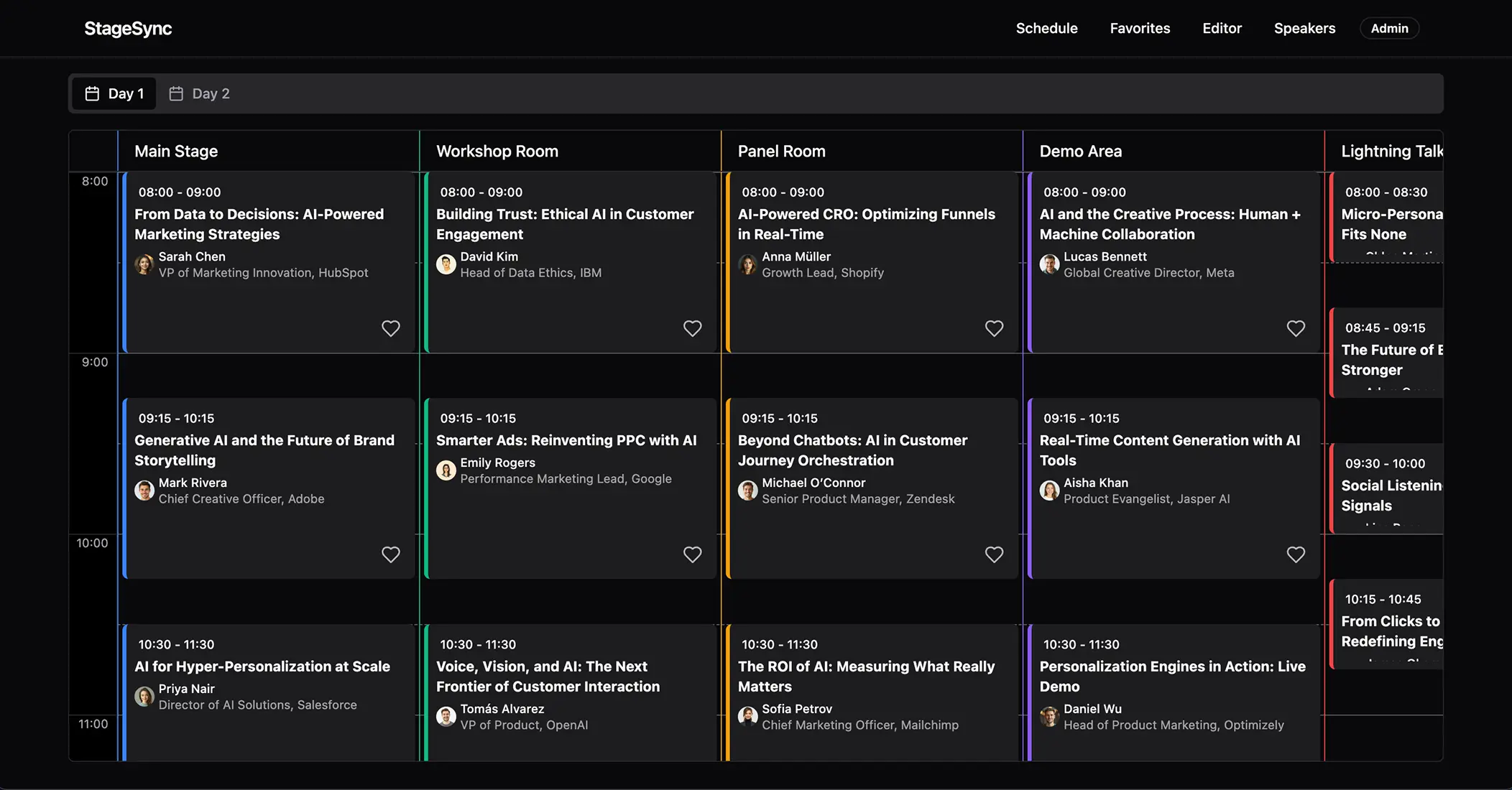

Go live with a clean schedule in hours. Works great for multi-day, multi-track events.
Skip pricey custom apps or heavy enterprise tools. Scheduly is affordable, and ready fast.
Keep sessions, speakers, and tracks in one spot. No outdated PDFs or scattered spreadsheets.
Session change? New track? Update once, and it's live for attendees right away.
Simple setup for organizers and intuitive for attendees. No training or extra specialists.
Accessible on any device, no installs required. Perfect for both in-person and hybrid events.

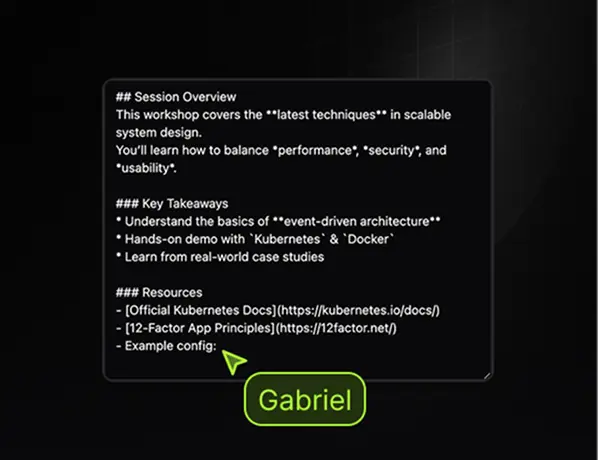
Add headings, links, and images - format content without complexity.
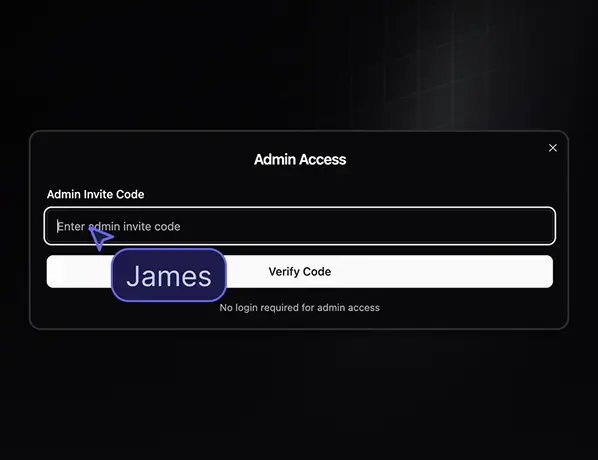
Give team members access with a simple invite code - no complex setup needed.
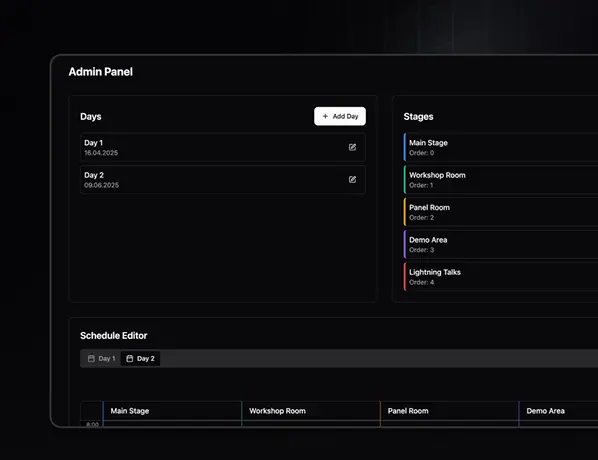
Run multi-day events with multiple tracks - all managed in one place.
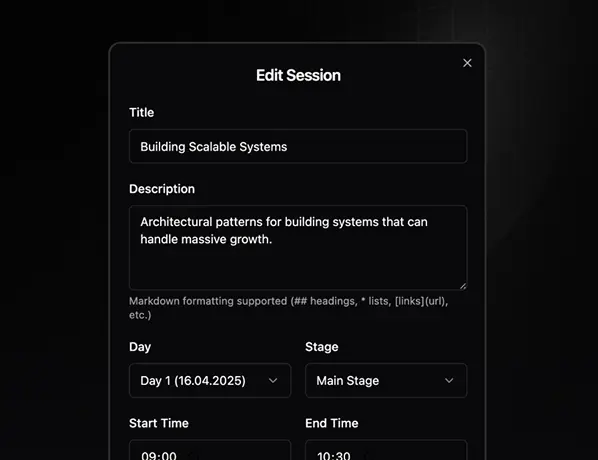
Manage sessions, speakers, tracks, days. All basic operations built-in.
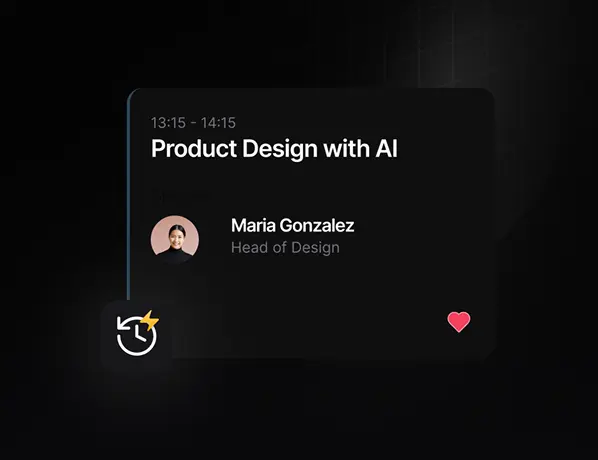
Any change you make is instantly visible to attendees - no reloads.
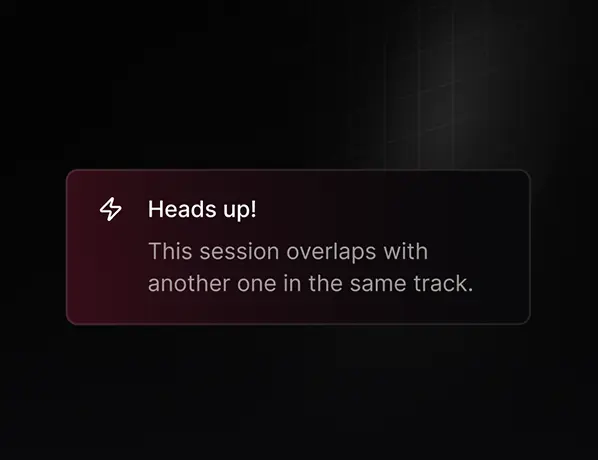
The system automatically warns you if sessions overlap within a track.
Success story
Organizers replaced Google Sheets with FireSchedule for 1500+ attendees.
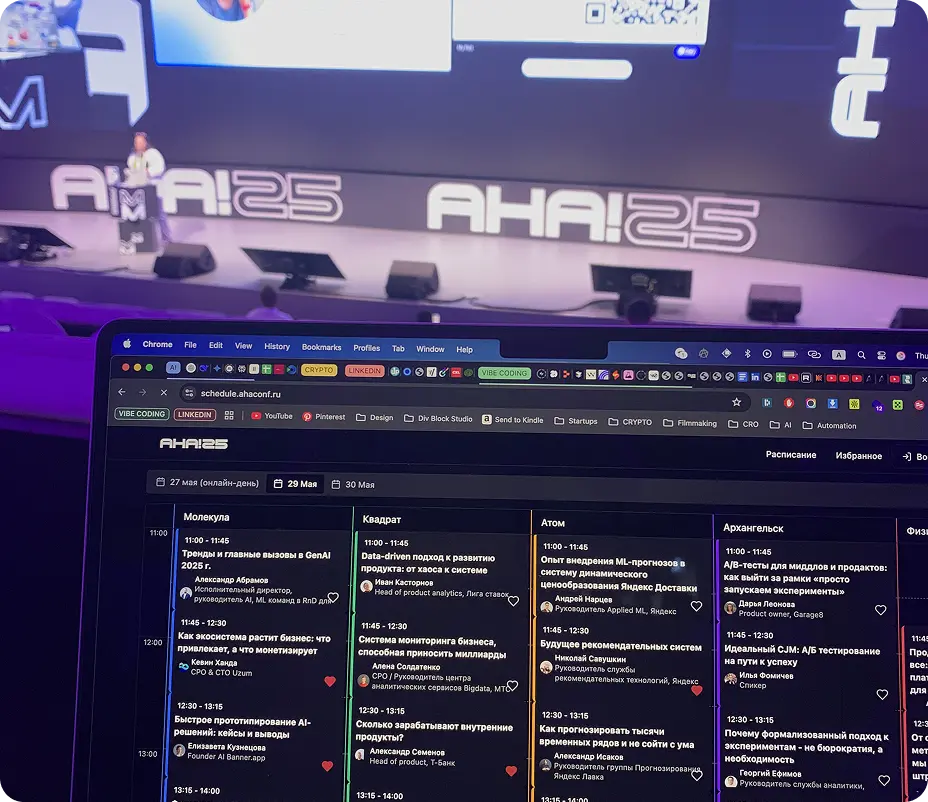
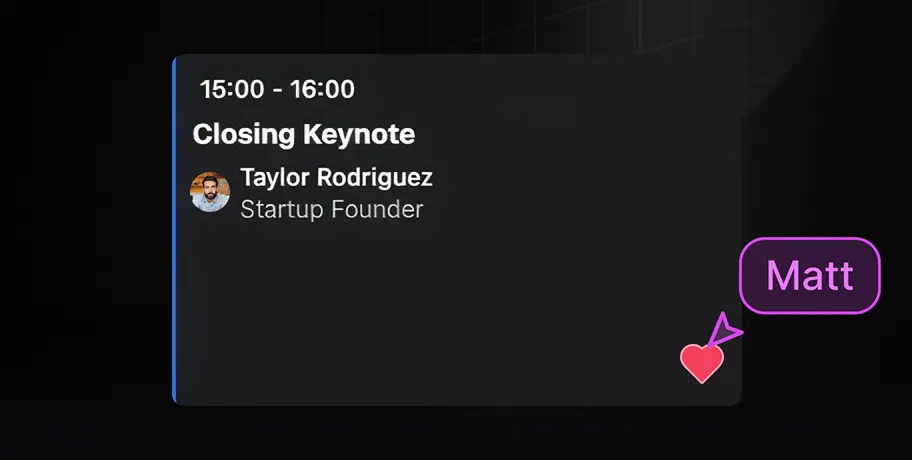
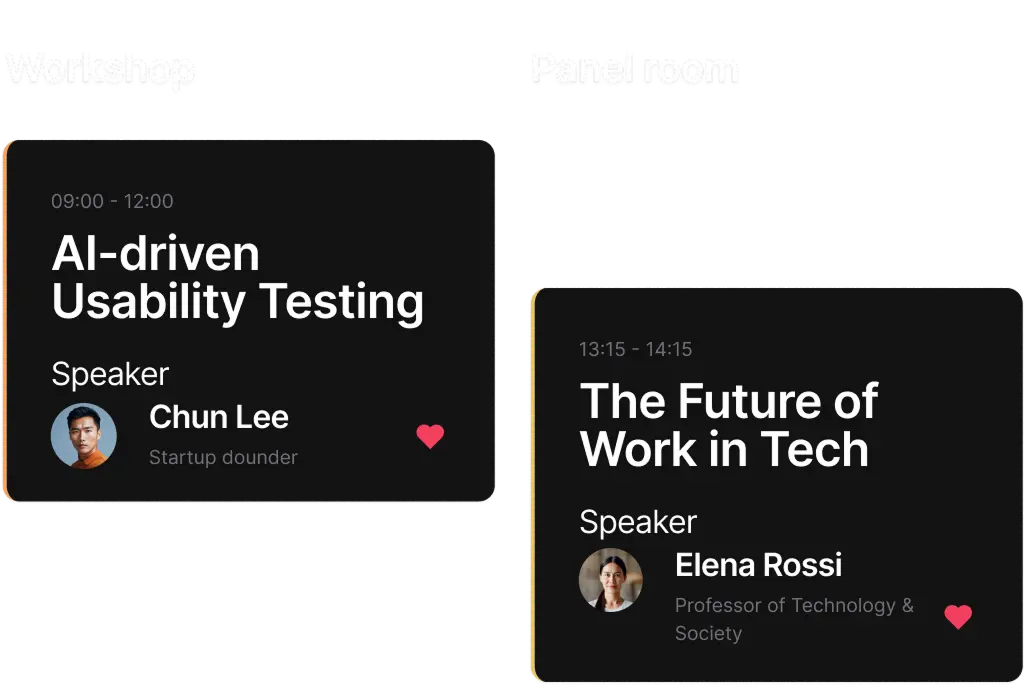
Attendees can mark favourite talks and instantly see their personalized daily agenda.
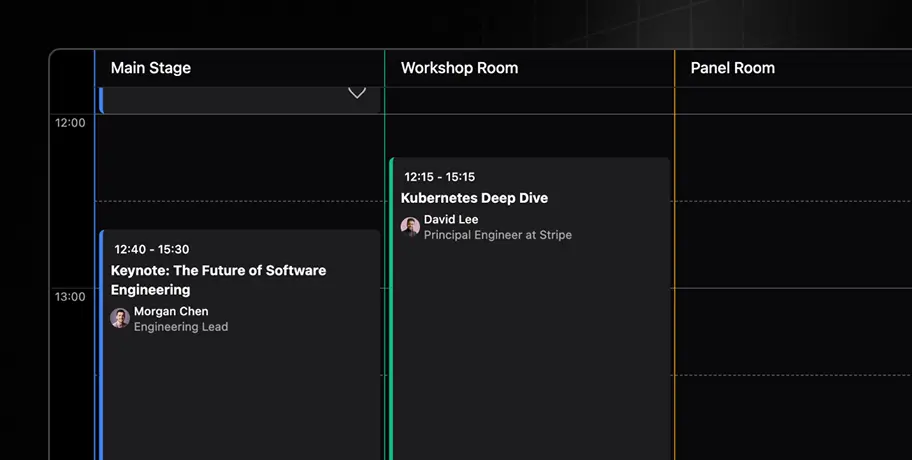
Sessions are organized by time so attendees always know who's speaking, where, and when.
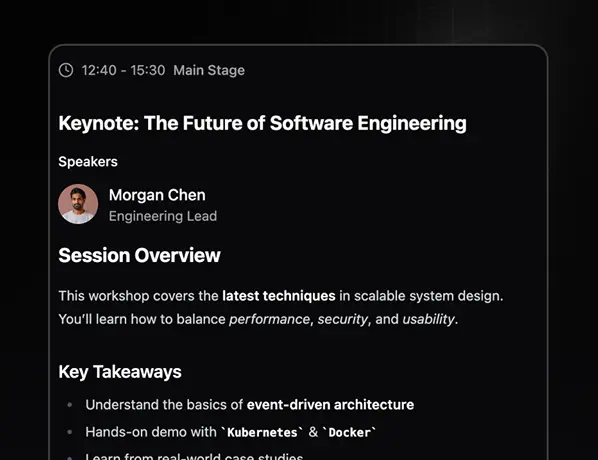
Get session, speaker, time, and room details instantly – without losing your place in the schedule.
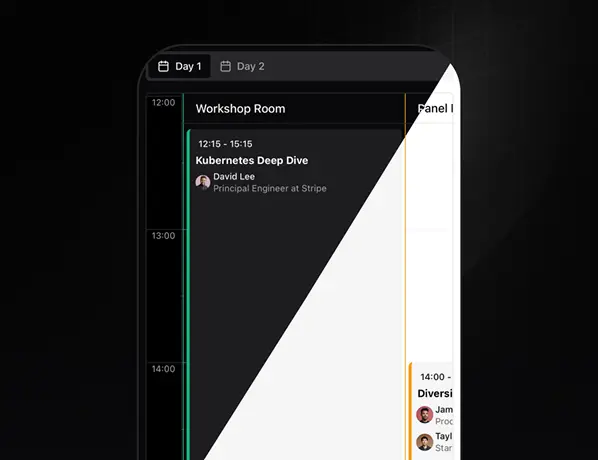
The schedule adapts to any device and supports both light and dark themes.
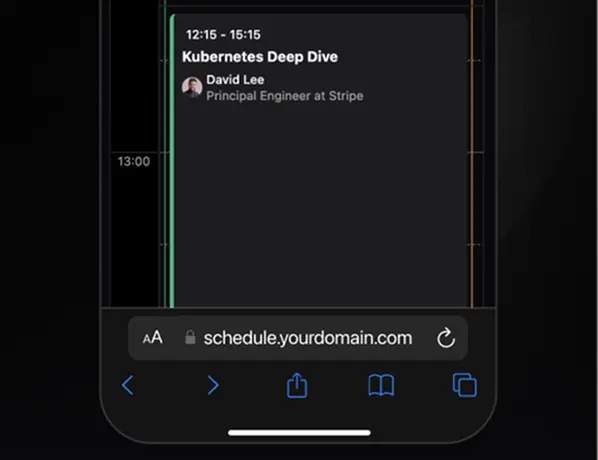
Runs as a mobile-friendly web app – just share a link or QR code, no installs needed.
“We used to juggle everything in Google Sheets - it was a nightmare. With this new schedule, managing talks is so much easier, and it looks professional for our attendees too.”

Alexey
Organizer of AHA!25
80+
Talks
3
Days
5
Tracks

All future updates are free for early birds
$150
Lifetime Early Bird Deal
Get full access to Scheduly now – pay once, use forever.
Since the app is AI-built, we'll personally help you get everything running. No tech hassle.
Fill in speakers, venues, days, and tracks. That's it — the app organizes everything into a clean schedule automatically.
Upload your logo, connect a custom domain, and share the link. Attendees get instant access on any device.
That means you'll be among the first to use it. You'll get hands-on support from us, and all future updates will be free for early adopters.
No. It's a mobile-first web app. Share a link or QR and you're set.
Yes — that's exactly what Fireschedule is built for.
You make changes in Adaptive AI (speakers, sessions, rooms, etc.) and simply hit publish. The updated schedule is instantly pushed to all attendees. No extra steps needed
Yes. Right now, you can add your own logo and run it on a custom domain.
The app is built to scale for thousands of attendees without issues.
Yes, the app is powered by Adaptive AI, so you'll need an active subscription. We'll help you get this set up during onboarding.