


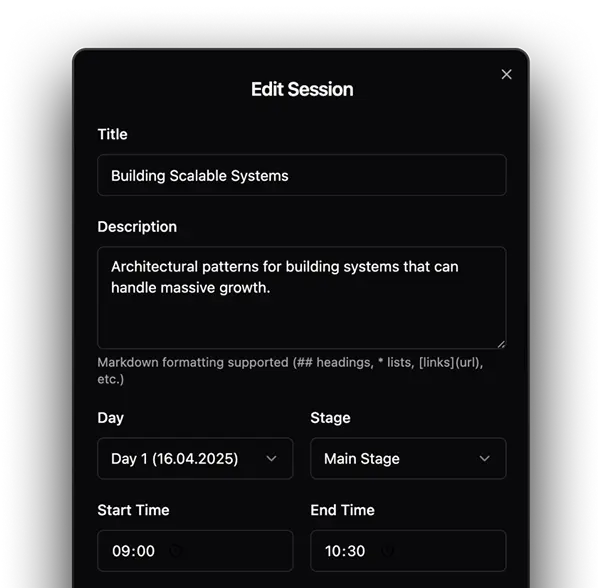
Full session editor
Add titles, descriptions, times, rooms, and speakers
for Conference
Create a clean, mobile-friendly schedule for multi-track conferences. Manage speakers, sessions, and live updates in one simple tool.
Get Started Free

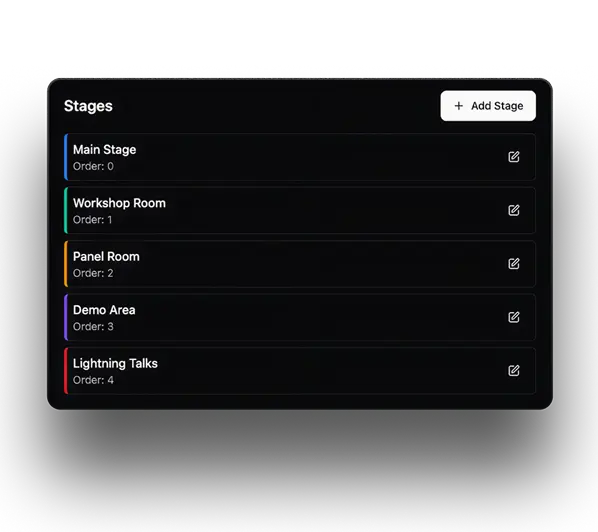
Manage speakers, rooms, tracks, and sessions
Add titles, descriptions, times, rooms, and speakers

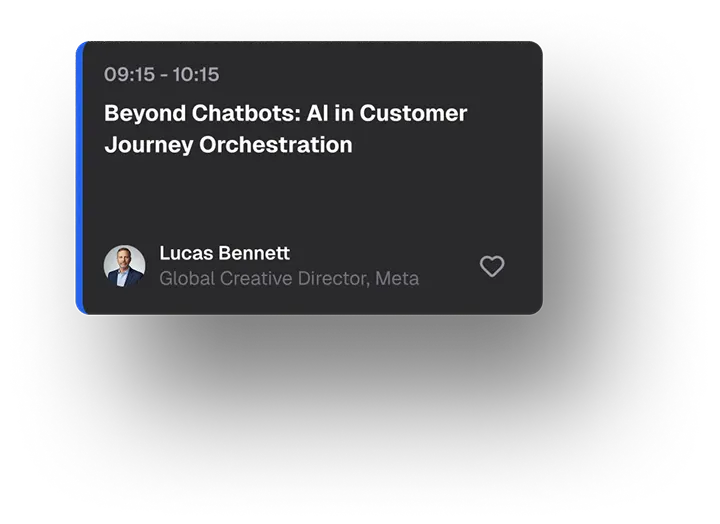
Attach photos, bios, and talk details to each speaker. Attendees see who's on stage with one tap



Change a room or move a session between tracks
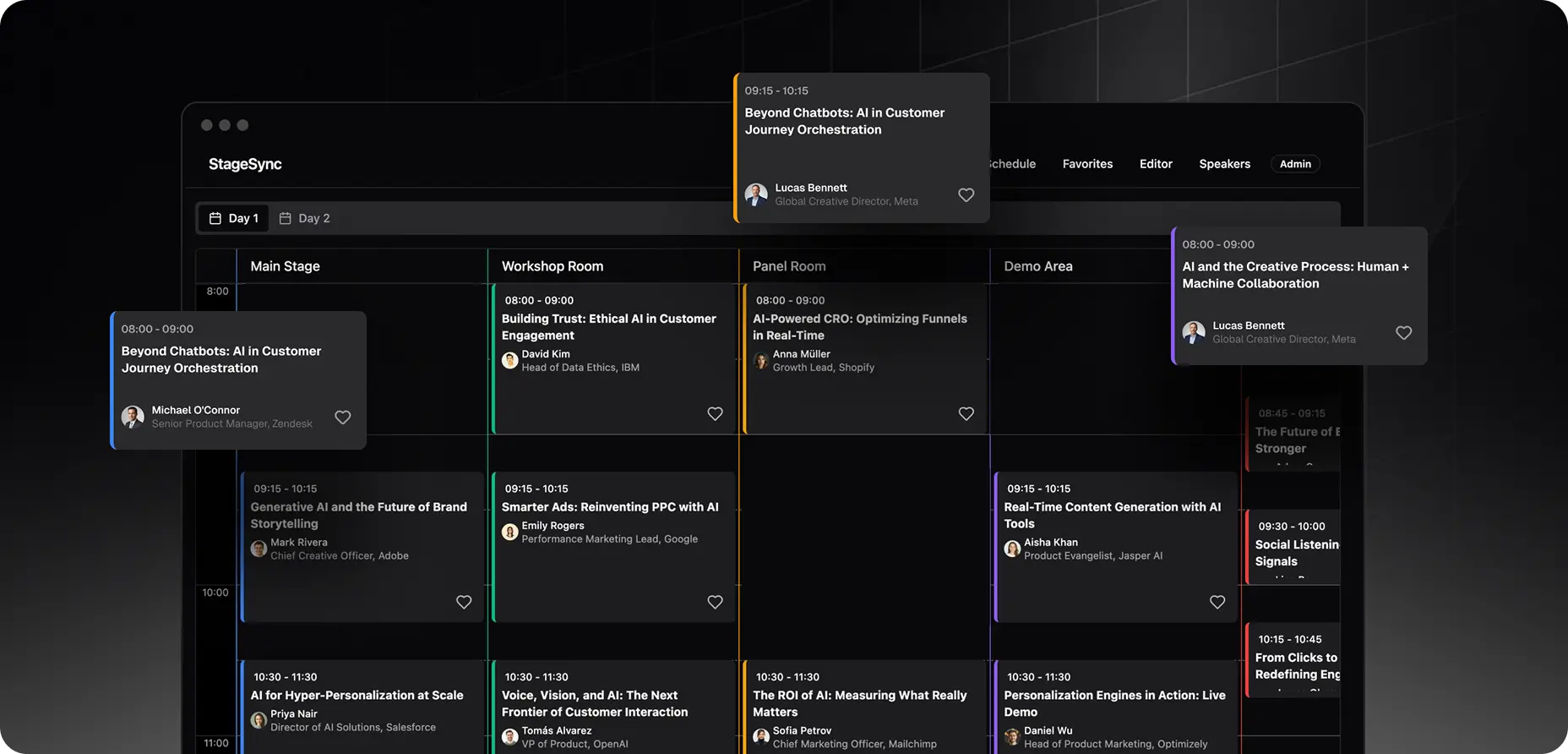
Each day gets its own clean view. No endless scrolling through a wall of sessions
Run 2, 5, or 10 tracks at once. Sessions stay grouped by track and sorted by time, so the schedule never turns into chaos

Sessions are laid out chronologically with clear time slots, room labels, and breaks, so attendees instantly see what's happening now and what's next

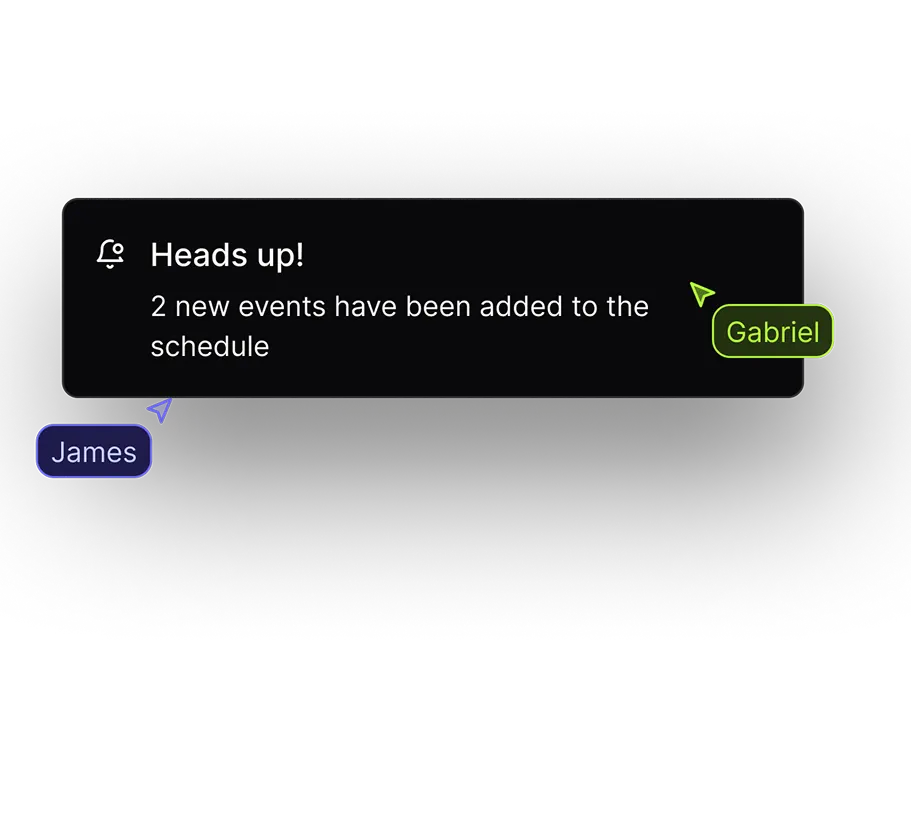
Speakers cancel, rooms change, sessions move — it happens at every event. With FireSchedule, you edit once and the change is live for every attendee immediately.
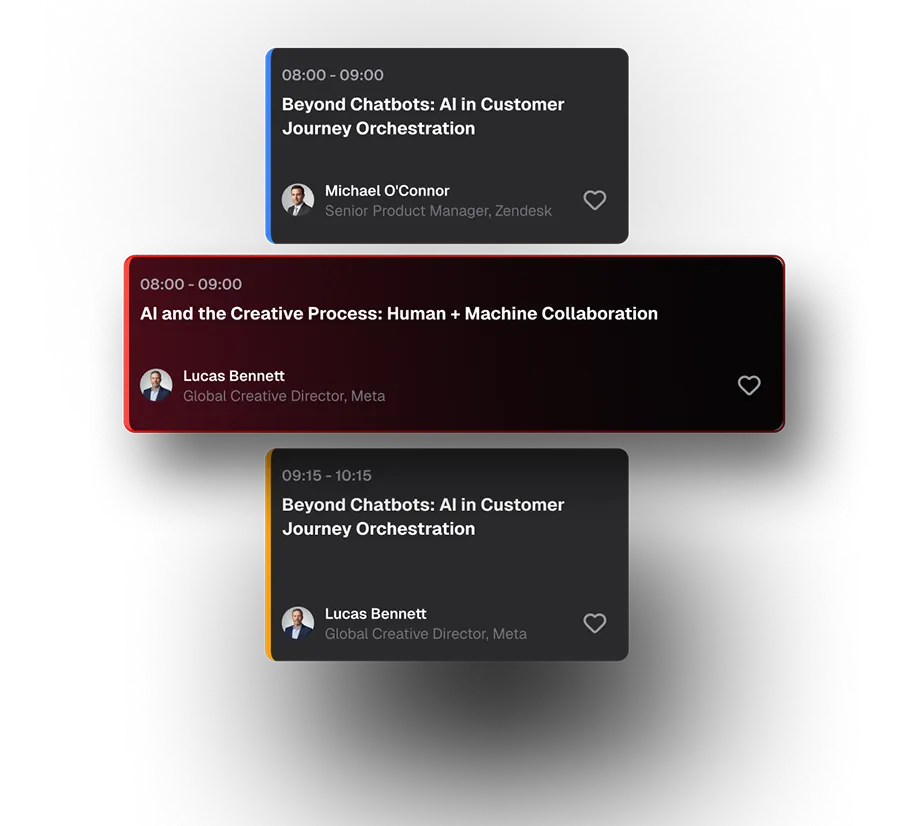
In a multi-track schedule, overlaps are the easiest mistake to make — and the most embarrassing to discover on event day. FireSchedule watches for them so you don't have to
 Success story
 Organizers replaced Google Sheets with FireSchedule for 1500+ attendees.
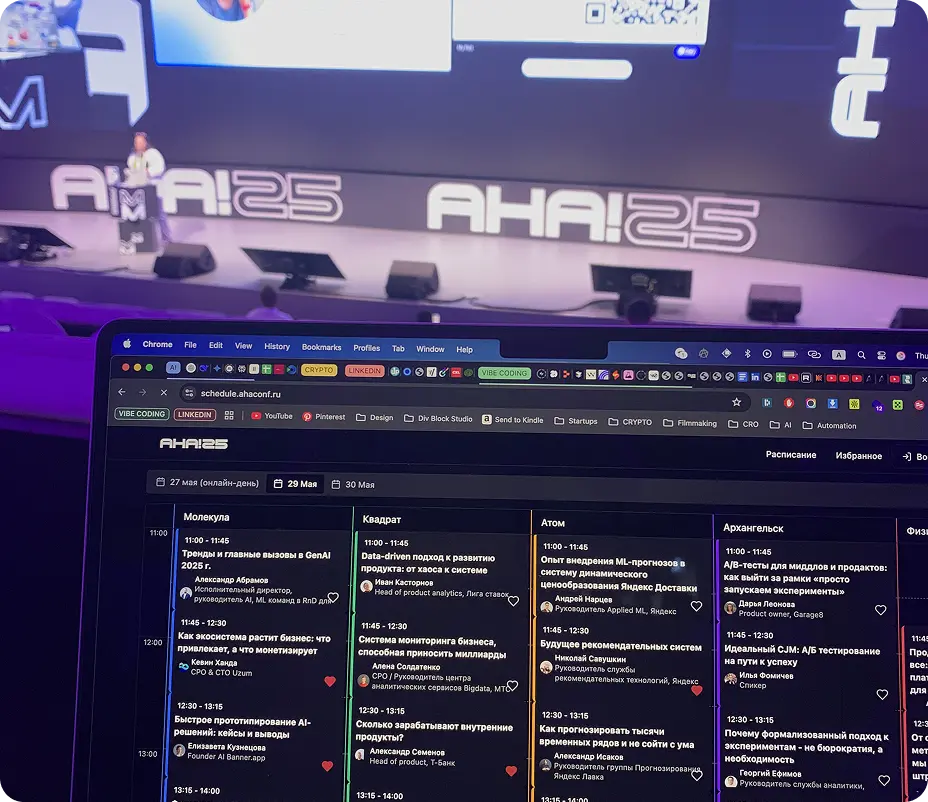
From spreadsheet to live schedule in minutes
Add days, tracks, rooms, sessions, and speakers.
Add branding, descriptions, speaker details, and links.
Send one clean link to attendees.

Launch a clean, mobile-friendly schedule for your next event.
Schedule a Demo